


01
Popup or sidebar mode
Use Popup mode for quick capture or Sidebar mode when notes should stay visible while reading, researching, planning, or collecting information.
Quick notes right in your Chrome browser.
NoteStackr is a lightweight note-taking extension for writing quick notes, organizing them into boards, using popup or sidebar mode, styling notes, recovering deleted notes, and backing up data locally.
No forced account · Local-first where possible · Chrome Web Store listing status shown clearly
 Chrome extensionNoteStackr — Quick Notes by Category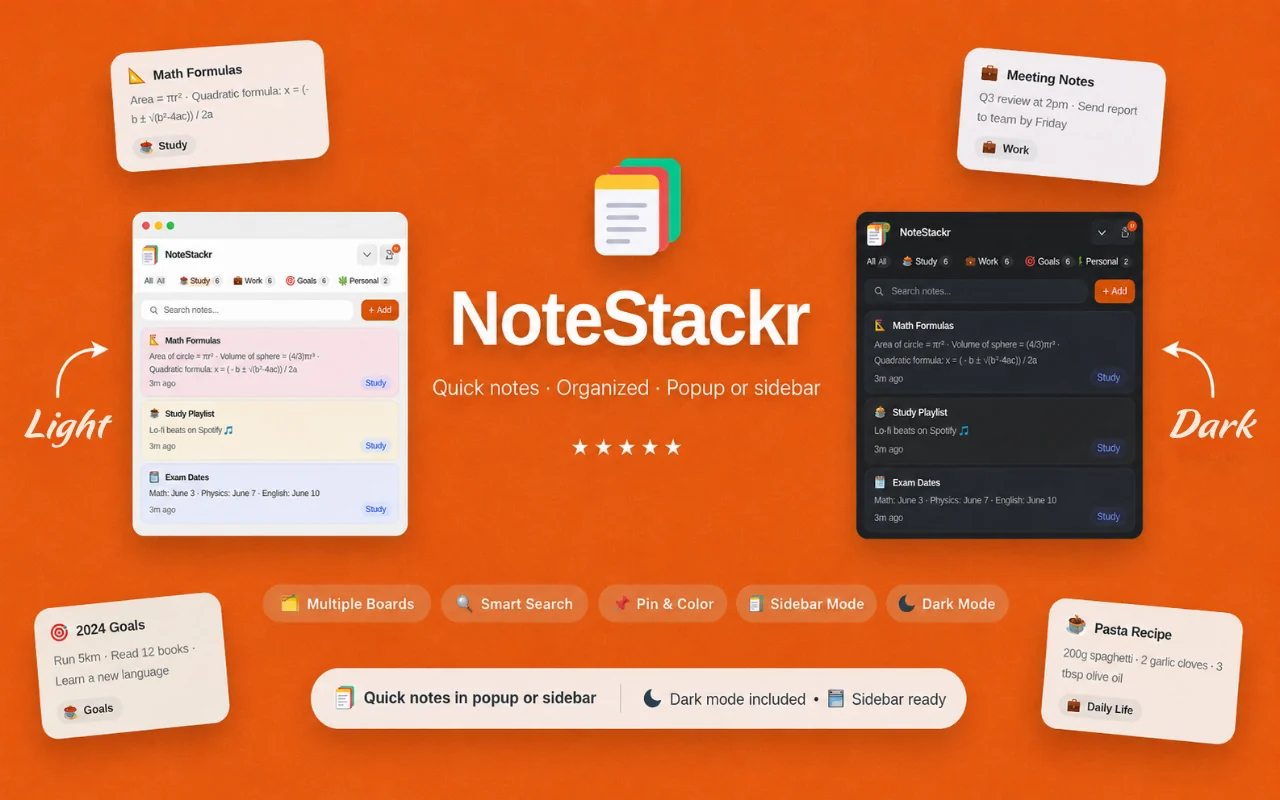
Best for: Students, professionals, creators, researchers, shoppers, and anyone who wants quick local notes without opening a separate note app.
Use Popup mode for quick capture or Sidebar mode when notes should stay visible while reading, researching, planning, or collecting information.
Create boards for Work, Study, Personal, Shopping, Ideas, Projects, Reading, Tasks, or any custom structure.
Add titles, content, pins, colors, stickers, formatting, search, copy actions, and board labels so notes are easy to scan and reuse.
Use stickers to mark priority notes, ideas, tasks, study topics, personal notes, project notes, or other visual groupings.
Deleted notes go to Trash first, where they can be restored or permanently removed when no longer needed.
Export notes and boards to JSON and import a backup manually when moving data between profiles or devices.
Browse actual extension screens and key flows before installing from the Chrome Web Store.
NoteStackr: screenshot 1 of 5. Quick notes in the browser
Answers focus on what is currently stated for this product, without adding unsupported review or download claims.
No. The core workflow is designed to work from the Chrome extension without creating an Odexly account.
Suggested by related category, workflow group, availability, and visual tone.


