


01
Universal dark mode
Apply a comfortable night mode to news, social media, documentation, dashboards, email clients, and many other websites.
Dark mode for most websites, on your schedule.
Web Night turns most websites into a comfortable dark experience, supports automatic schedules, preserves photos and colorful logos, offers whitelist controls, and keeps settings local in the browser.
No forced account · Local-first where possible · Chrome Web Store listing status shown clearly
 Chrome extensionWeb Night — Dark Mode with Schedule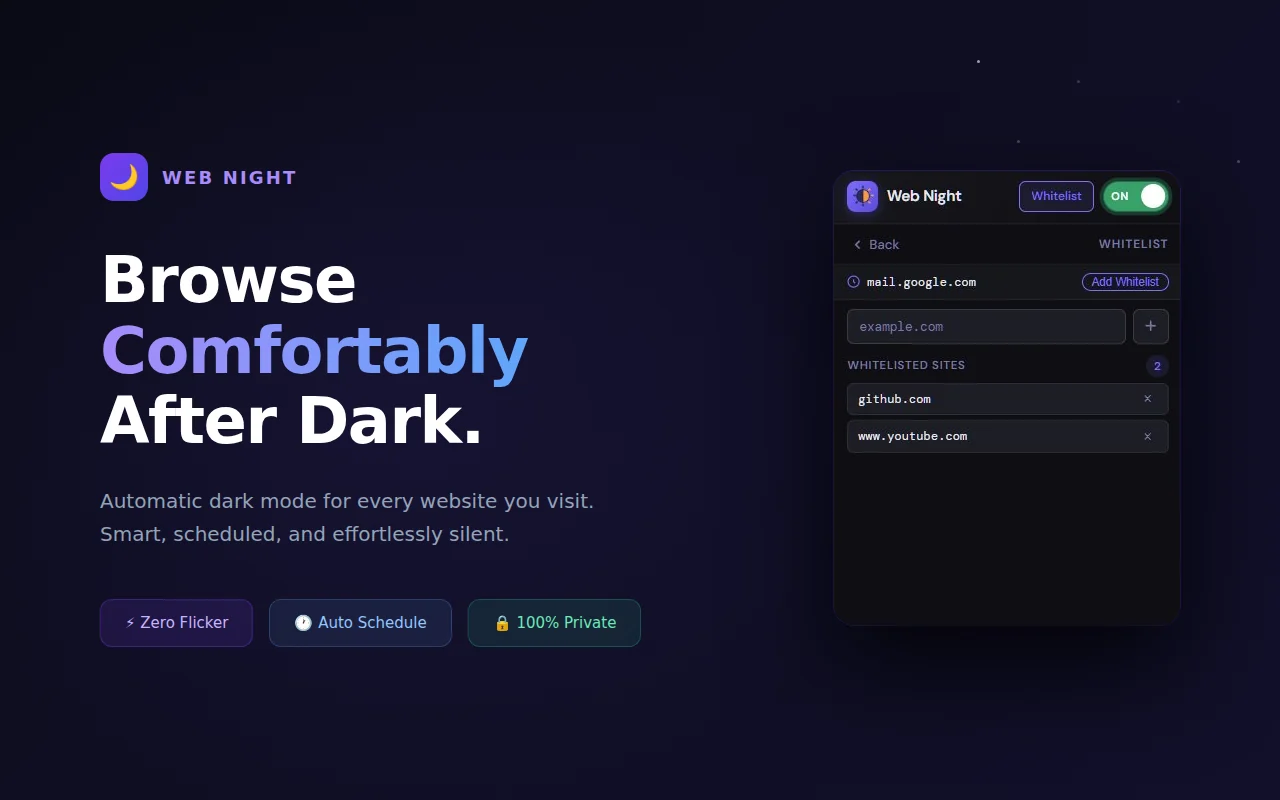
Best for: Night readers, developers, students, dashboard users, documentation readers, and anyone who prefers a calmer web after dark.
Apply a comfortable night mode to news, social media, documentation, dashboards, email clients, and many other websites.
Set a custom time range so dark mode turns on and off automatically in the background.
Smart detection helps keep colorful logos, brand icons, photos, banners, and embedded videos closer to their natural appearance.
Add sites that already have a good dark mode or should remain untouched in light mode.
Toggle quickly with Alt + Shift + D and use the toolbar badge to understand the current state at a glance.
Styles are injected early to reduce white flash, with minimal background activity for schedule checking.
Browse actual extension screens and key flows before installing from the Chrome Web Store.
Web Night: screenshot 1 of 5. Dark mode with schedule overview
There is no paid plan advertised for this utility. The current product is presented as a free tool.
How Odexly approaches ProAnswers focus on what is currently stated for this product, without adding unsupported review or download claims.
No. The core workflow is designed to work from the Chrome extension without creating an Odexly account.
Suggested by related category, workflow group, availability, and visual tone.


